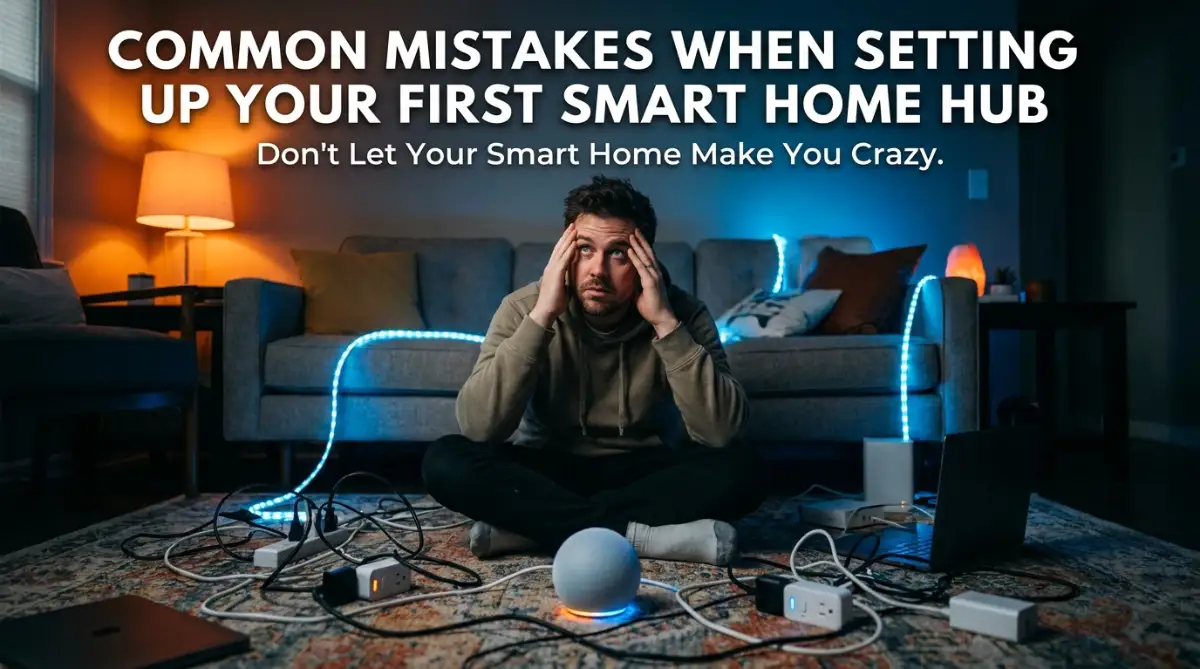
The Midnight Nightmare: Why My "Smart" Home Felt Completely Stupid
I vividly remember the day I brought home my very first smart home hub. I was so excited to automate my entire house and live like someone straight out of a sci-fi movie. I spent hours ripping open boxes, plugging things in, and connecting everything to a single app on my phone.
I went to sleep that night feeling incredibly proud of my new, upgraded lifestyle. But at 2:30 AM, my bedroom lights randomly turned on at maximum brightness. My smart speaker started playing loud jazz music, and I scrambled in the dark trying to figure out how to stop the chaos.
My wife woke up terrified, and honestly, I felt completely embarrassed by the whole situation. I realized right then that buying premium gadgets is only half the battle. If you do not know how to set them up properly, your smart home will quickly become a source of daily stress.
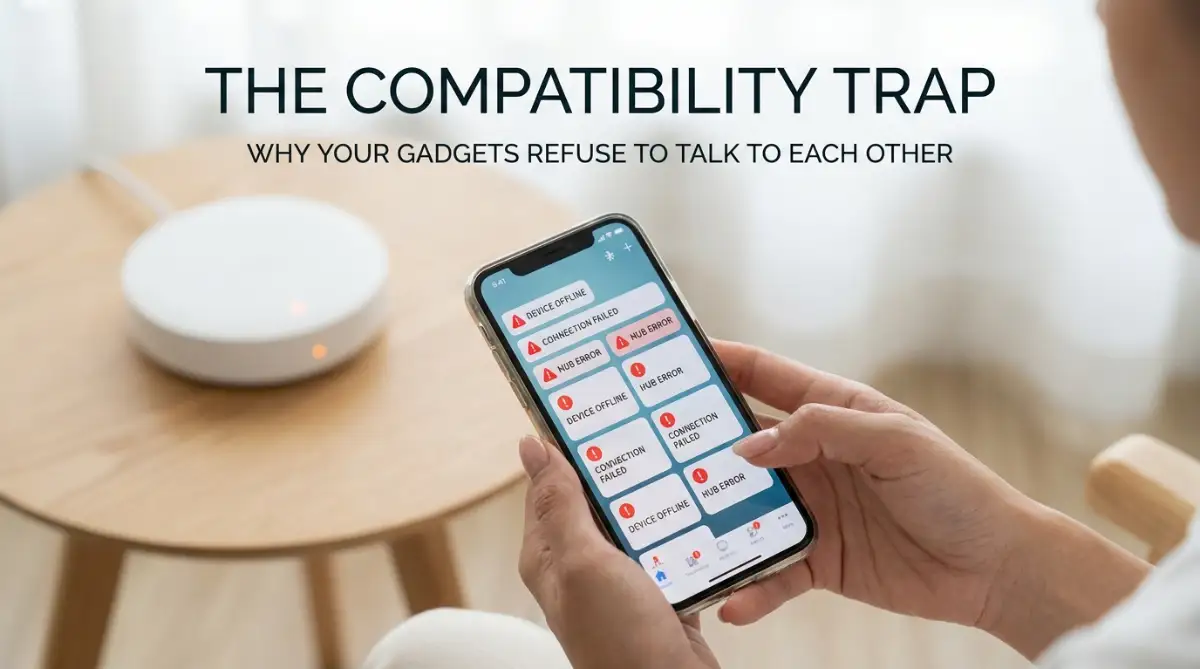
So many beginners fall into the exact same traps I did. You buy a bunch of expensive smart locks, cameras, and bulbs, expecting them to work magically together right out of the box. Instead, you end up with constant "device offline" notifications.
Your Wi-Fi slows down to a crawl, and simple things like turning off a lamp suddenly take three different apps. You start to wonder why you ever spent money on this technology in the first place. The mental peace you wanted to gain is entirely replaced by technical frustration.
Your family members might even refuse to use the new system because it feels too complicated for them. They will keep flipping the physical wall switches, which completely ruins the automation you spent hours building. This is the harsh reality of diving into home automation without a solid plan.
The "Gadget Greed" Trap: Buying Everything All At Once
One of the absolute biggest mistakes beginners make is trying to automate their entire house in a single weekend. You get excited and buy a smart hub, smart thermostats, automated blinds, and smart plugs all at the same time. This is a guaranteed recipe for a massive headache.
When you introduce twenty new gadgets to your network at once, troubleshooting becomes nearly impossible. If something goes wrong, you will have no idea which specific device is causing the network conflict. You will spend hours factory resetting everything, which completely destroys the fun of home automation.
Instead of buying everything at once, you need to start extremely small. Pick one specific problem in your house that you want to solve right now. For example, you might just want to automate your front porch lights to turn on when the sun goes down.
Buy the hub and the necessary smart switches for that one specific task. Set them up, let them run for a week, and see how your family interacts with them. Once you are comfortable with how the system behaves, you can slowly add your next device.
Pro Tip: I remember buying five cheap Wi-Fi bulbs on sale, only to realize they completely bogged down my router and wouldn't sync with my new smart hub. My advice to you? Always test one single device from a brand to see how well it responds before buying enough to outfit your entire home.
The Compatibility Illusion: Why Your Devices Are Giving You the Silent Treatment
You walk into a premium tech store and see a beautiful smart lock on the shelf. You buy it, take it home, and realize it cannot communicate with the expensive smart hub you bought last week. This happens because smart home gadgets speak different "languages."
Just because a device has the word "smart" on the box does not mean it will work with your specific system. Some devices use Wi-Fi, others use a technology called Zigbee, and some rely on Z-Wave or Bluetooth. If your hub only understands Zigbee, it cannot talk to a Z-Wave device.
Think of it like hosting a dinner party where none of your guests speak the same language. You are the host (the smart hub), trying to pass messages between a guest who only speaks Spanish and another who only speaks Japanese. It simply will not work without a proper translator.
To avoid this massive waste of money, you need to check device compatibility before making a purchase. Look closely at the packaging for badges that match your existing ecosystem. If you are using a specific brand of hub, verify on their official website that the new gadget is fully supported.
Recently, a new standard called Matter has started rolling out to solve this exact problem. Devices with the Matter logo are designed to talk to each other effortlessly, regardless of the brand. Keep an eye out for this logo if you want a future-proof setup.
A Quick Breakdown: Understanding Smart Home Languages
1. Wi-Fi Devices: These connect directly to your home router without needing an extra middleman. They are great for beginners because they are easy to set up. However, having too many of them will quickly clog up your internet bandwidth.
2. Zigbee & Z-Wave: These are special, low-power networks designed specifically for smart gadgets. They do not use your Wi-Fi bandwidth at all. They require a dedicated smart home hub to act as the brain of the operation.
3. Bluetooth: Mostly used for things that are very close to your phone, like a smart toothbrush or a portable speaker. They have a very short range and are usually not ideal for whole-home automation systems.
Destroying Your Home Network: The Wi-Fi Overload Mistake
Most internet service providers give you a basic, cheap router when you sign up for their service. These standard routers are designed to handle maybe ten to fifteen devices, like a few phones, a laptop, and a smart TV. They are completely unprepared for a full smart home setup.
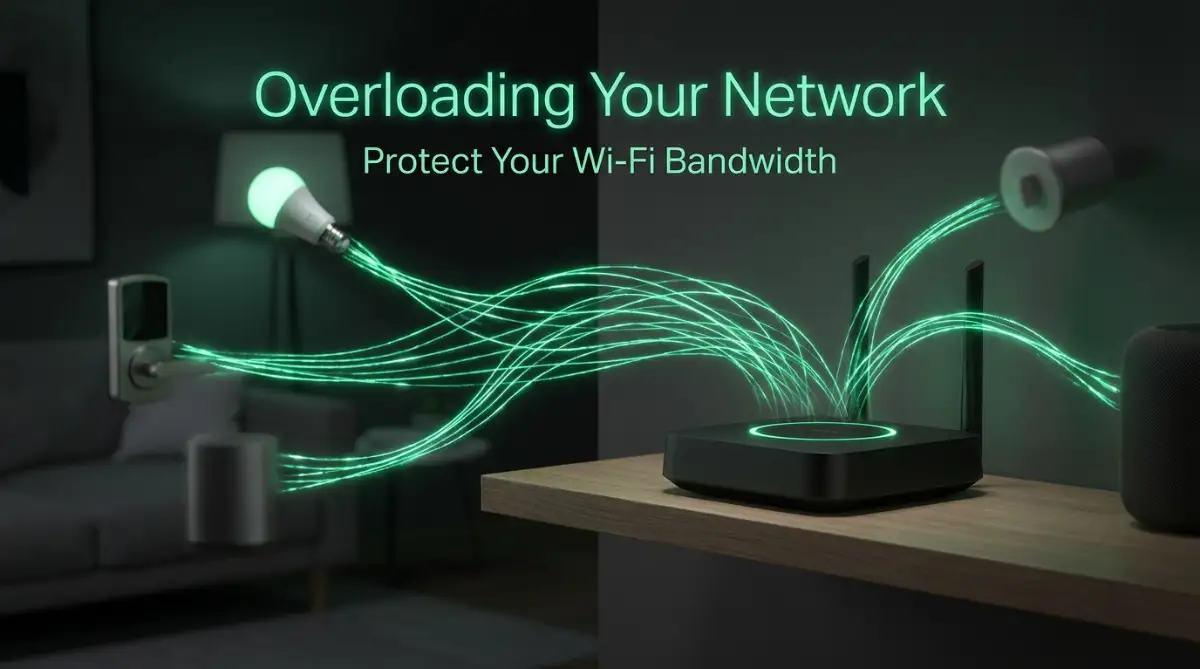
When you start adding smart bulbs, cameras, and smart plugs to that basic router, things go bad very quickly. The router gets overwhelmed by the constant tiny requests for data from all these devices. Suddenly, your Netflix starts buffering, and your smart lights take ten seconds to turn on.
If you want to stop your smart devices from randomly going offline, you absolutely need to understand how to optimize your home network first.
Many people blame their smart hub when things stop working, but the real culprit is usually a weak Wi-Fi network. To fix this, you should seriously consider upgrading to a "Mesh Wi-Fi" system. A mesh system uses multiple internet points spread around your house to handle dozens of devices smoothly.
Another smart move is to move as many gadgets off your Wi-Fi as possible. This is exactly where a dedicated smart hub shines. By using Zigbee or Z-Wave devices, the gadgets talk directly to the hub, leaving your Wi-Fi completely free for streaming and gaming.
Ignoring the "Wife Acceptance Factor" (WAF)
There is a very well-known joke in the home automation community called the WAF, or the "Wife Acceptance Factor." While it sounds funny, it highlights a very real problem. If your smart home is too difficult for your family to use, it is a failed project.
You might love opening an app, navigating through three menus, and pressing a digital button just to turn on the kitchen lights. But your family members just want to flip a switch when they walk into a dark room. If you take away their physical control, they will quickly grow to hate your smart gadgets.
This usually happens when beginners install smart bulbs inside fixtures that are controlled by traditional wall switches. Someone walks in, flips the traditional switch off, and completely cuts the power to the smart bulb. Now, your smart hub cannot communicate with the bulb at all, and your automations break.
The secret to a perfect smart home is that it should act like a regular home when needed. Instead of buying smart bulbs for your main ceiling lights, invest in smart light switches. This way, your family can still press the physical button on the wall, but you retain full automated control through the hub.
Your smart home should make life easier for everyone living under the roof. If someone has to memorize voice commands or download an app just to use the bathroom light, you have overcomplicated things. Keep the physical backups alive.
Setting Up Automations Without Logic
A smart hub is only as good as the instructions you give it. Many beginners make the mistake of creating highly annoying automations without thinking through the logic. They set up simple rules like, "If motion is detected, turn on the lights."
This sounds great in theory, but reality is much messier. What happens when your pet dog walks into the living room at 3 AM? The motion sensor catches the movement, the hub triggers the automation, and the entire house lights up while you are trying to sleep.
You need to add conditions and restrictions to your automations to make them genuinely smart. Instead of a basic rule, tell your hub: "If motion is detected, AND the time is between 9 AM and 8 PM, AND someone is home, THEN turn on the lights."
Adding these specific boundaries prevents your house from acting like a haunted mansion. Most premium smart hubs allow you to create very detailed conditions based on time, sunlight, and even whether your phone is connected to the home network.
Take the time to observe your daily habits before writing a new automation rule. Think about edge cases, like what should happen on weekends or when you have guests over. The more thought you put into the logic, the more magical the experience will feel.
Myth vs. Reality in Smart Automations
The Myth: Smart homes learn your habits automatically and adjust themselves without any input. You just plug everything in, and the house does the rest.
The Reality: While some highly advanced thermostats try to learn your schedule, most smart home hubs require you to build the rules manually. You are the programmer of your own house.
The Myth: Voice assistants are all you need to run a smart home.
The Reality: Relying solely on voice commands gets exhausting very quickly. True automation happens quietly in the background without you having to speak a single word.
Forgetting to Secure Your Digital Front Door
When you set up a smart home hub, you are essentially putting your house's physical security onto the internet. If you install smart locks and cameras, you must treat your digital security with extreme seriousness. Unfortunately, most beginners completely ignore this step.
People often leave the default passwords on their smart hubs or routers because they are in a rush to get things working. Hackers can easily scan the internet for default passwords and gain access to your network. Imagine someone halfway across the world unlocking your front door.
To keep your family safe, you must change the default administrator passwords immediately during setup. Use a strong, unique password for your smart hub account, and enable two-factor authentication (2FA) if the app offers it. This simple step adds a massive layer of protection.
You should also create a separate "Guest Network" on your router specifically for your smart gadgets. Keep your laptops, phones, and bank details on your main network, and put all the smart bulbs and vacuums on the guest network. This way, even if a cheap smart plug gets compromised, the hacker cannot reach your personal computer.
Always keep your smart hub's software completely updated. Manufacturers regularly release security patches to fix vulnerabilities. If you ignore these update notifications, you are leaving your digital front door wide open to modern threats.
Giving Up When Things Get Complicated
Building a reliable smart home is a journey, not a weekend project. You will inevitably face moments where a device refuses to pair, or an automation triggers at the wrong time. The biggest mistake you can make is throwing your hands up and giving up entirely.
When I first started out, I almost boxed everything up and returned it to the store. But I realized that every error was just a learning opportunity. Once I understood how my smart hub processed information, fixing small issues became incredibly satisfying.
You will need patience to tweak your system until it perfectly matches your lifestyle. Do not be afraid to delete an automation that isn't working and start from scratch. Sometimes, a fresh perspective is all you need to solve a stubborn technical glitch.
Join online forums and communities dedicated to your specific smart hub brand. You will find thousands of other users who have experienced the exact same errors you are facing. They are often incredibly friendly and willing to share their custom solutions with beginners.
By taking things slowly, planning your purchases, and focusing on real convenience, your smart home will eventually run like a well-oiled machine. It just takes a little bit of planning and a willingness to learn from your early mistakes.
Taking Your Setup to the Next Level: Pro Secrets for a Flawless Smart Home
Once you get your basic devices running, you will probably want to make your system even faster and more reliable. Most beginners stop at the basic setup instructions provided in the box. However, taking just a few extra technical steps can completely change how your automated house behaves.
I want to share a few advanced secrets that professional installers use to keep everything running smoothly. You do not need a computer science degree to understand these concepts. You just need a little bit of patience and a willingness to explore your router's settings.
When you finally purchase a new house, you want everything to be perfectly organized. In fact, many people who read about avoiding huge mortgage mistakes as a first-time home buyer also realize they need a solid plan for their home automation from day one. Planning your tech is just as important as planning your furniture layout.
The Magic of Reserving IP Addresses
Every single time a device connects to your Wi-Fi, your router assigns it a temporary digital address called an IP address. By default, routers like to shuffle these addresses around every few days to keep things fresh. This is perfectly fine for your smartphone, but it is an absolute nightmare for a smart hub.
Imagine if your physical home address changed every three days. The mailman would constantly get confused, and your packages would never arrive on time. The exact same thing happens when your router changes the IP address of your smart home hub.
Your other gadgets will temporarily lose connection while they search for the hub's new digital location. This causes those highly annoying moments where your app says "device not found" for a few minutes.
To fix this, you need to log into your router settings and look for a feature called "DHCP Reservation" or "Static IP." You can easily tell your router to permanently assign one specific address to your main hub. Reputable cybersecurity organizations, like the National Institute of Standards and Technology (NIST), often recommend managing your connected devices closely for better network stability and security.
Prioritizing Local Control Over Cloud Processing
Here is a highly frustrating scenario that almost every beginner faces eventually. Your internet service provider goes down for a few hours due to a bad storm in your area. You walk into your living room, press your smart switch, and absolutely nothing happens.
This happens because many cheap smart devices rely on "cloud processing." When you push a button, the signal travels from your house, to a server halfway across the country, and back to your lightbulb. If your internet is down, the signal cannot make that trip, leaving you sitting in the dark.
To build a truly reliable system, you should look for devices and hubs that process commands locally. Local processing means the hub and the device talk directly to each other inside your house. They do not need the outside internet to function at all.
When you upgrade to premium gadgets that offer local control, the response time is almost instant. You might be building the ultimate media room to enjoy understanding refresh rates in premium display screens. But if your smart lighting lags behind the fast action on your TV, the entire cinematic experience is completely ruined.
Perfect Physical Placement for Maximum Range
We spend so much time thinking about software that we completely forget about basic physics. Your smart hub uses invisible radio waves to talk to all your sensors, locks, and bulbs. These radio waves can easily be blocked by thick materials inside your house.
I see so many people hiding their hubs behind giant metal televisions or shoving them into heavy wooden media cabinets. This completely destroys the signal range. Your gadgets will constantly drop offline simply because they cannot hear the hub's signal through the physical barriers.
Treat your central hub exactly like a beautiful table lamp. It needs to be placed out in the open, preferably in a central location in your home. The higher you can place it, the better the signal will travel over your furniture.
If you are setting up a large entertainment space with immersive spatial audio headphone tech, keep your hub slightly away from massive speakers. Large magnets inside premium speakers can sometimes cause minor wireless interference. Just give your hub a little bit of breathing room on a separate shelf.
The Hidden Traps That Can Ruin Your Home Automation Experience
Even with the best intentions, it is incredibly easy to fall into some severe traps when expanding your automated setup. These mistakes usually happen because we want to save a little bit of money or skip a few boring setup steps. But ignoring these hidden dangers can lead to massive headaches later on.
I want you to think of your network as an investment. If your router is completely maxed out with cheap, messy gadgets, it is exactly like carrying too much financial debt. You have to learn how to balance your bandwidth properly, much like understanding a good credit utilization ratio to keep your personal finances completely healthy.
Let's look at the most painful pitfalls beginners fall into and how you can easily avoid them.
Falling for the "Cheap Phantom Gadget" Scam
We have all been tempted by those incredibly cheap smart plugs and bulbs found on random online marketplaces. They usually cost a fraction of the price of premium brands and promise the exact same features. However, buying these no-name devices is one of the worst things you can do to your home network.
These extremely cheap gadgets are often built with outdated Wi-Fi chips that constantly drop their connection. Worse, their companion apps are usually poorly translated, loaded with bugs, and abandoned by the developers after a few months. Once the company shuts down their cheap servers, your smart bulb becomes entirely useless.
Instead of buying five cheap devices that might break next year, save your money and buy one high-quality, reputable device. Look for brands that actively participate in universal standards. The Connectivity Standards Alliance (CSA), which manages the Matter protocol, is an excellent place to see which brands are actually committed to long-term device interoperability.
Ignoring the Reality of Wireless Interference
Many people do not realize that their home is already filled with invisible noise. Your microwave, your baby monitor, and even your neighbor's router are all broadcasting signals constantly. If you are not careful, this noise will block your smart hub from talking to your devices.
This is especially true if you are using Wi-Fi based smart gadgets on the highly crowded 2.4 GHz band. When too many devices try to talk at the exact same time, the signals collide and cancel each other out. According to experts at the Institute of Electrical and Electronics Engineers (IEEE), minimizing wireless interference is absolutely necessary for maintaining a stable personal network.
To avoid this painful trap, try to hardwire everything you possibly can. If your smart TV or gaming console has an Ethernet port, plug it directly into your router with a cable. Every device you take off the Wi-Fi creates more invisible breathing room for your smart home gadgets.
Neglecting Firmware Updates Out of Laziness
When you open your smart home app, you will occasionally see a tiny red dot telling you an update is available. It is so easy to swipe that notification away because you do not want to wait five minutes for the device to reboot. This is a massive mistake that can leave your entire house vulnerable.
Firmware updates are not just about adding fun new features to your gadgets. They are mostly about patching critical security holes that hackers have recently discovered. If you leave a smart door lock running on outdated software, you are taking an unnecessary risk with your physical safety.
Make it a habit to check for system updates on the first Saturday of every month. Many modern premium hubs even allow you to schedule automatic updates during the middle of the night. Turn this automatic feature on, and you will never have to worry about running outdated software again.
Creating Complex Automations That Nobody Else Understands
This is a trap I personally fell into very early on. I created a highly complex morning routine where the lights changed colors, the coffee maker turned on, and the news started playing simultaneously. It felt incredibly cool to me, but my family absolutely hated it.
My wife just wanted to drink her coffee in peace without feeling like she was inside a busy nightclub. When you over-automate your house, you strip away the natural comfort of living in it. Your technology should quietly support your lifestyle, not aggressively dictate how you spend your mornings.
Always ask your family for their honest feedback after setting up a new routine. If they find a specific automation annoying or confusing, delete it immediately. The best smart homes are the ones where the technology is almost completely invisible to the people living inside.
Wrapping Up Your Smart Home Journey on a High Note
Building your dream automated space is an incredibly rewarding hobby if you approach it with the right mindset. You now know exactly what pitfalls to avoid and how to build a rock-solid foundation for your gadgets. Every small step you take today will save you countless hours of troubleshooting in the future.
Remember that there is absolutely no rush to automate every single room in your house immediately. Start with simple conveniences that genuinely make your daily life easier and more enjoyable. Always prioritize network security, stable connections, and the comfort of the people living with you.
If you ever feel overwhelmed by all the technical jargon, just take a step back and breathe. We have a wealth of beginner-friendly guides available on our premium tech hub at DigitShopy to help you along the way. Technology is supposed to be fun, so do not let minor connectivity hiccups ruin your excitement.
My final piece of advice to you: I always keep a physical notebook near my router where I write down the exact names and passwords for my separate smart home networks. Whenever I buy a new device, I know exactly where to find my network details in seconds, which keeps my setup process entirely stress-free!
Real Questions People Ask About Smart Home Hubs:-
Do I really need a dedicated hub, or can I just use my phone?
While you can control basic Wi-Fi gadgets directly from your phone, a dedicated hub is highly recommended for a stable experience. A hub allows devices using different technologies like Zigbee or Z-Wave to communicate together. It also keeps your automations running smoothly even when your phone is turned off or not at home.
Why do my smart devices keep disconnecting from the network?
Devices usually drop offline because your main router is overwhelmed with too much traffic, or the physical distance is simply too far. Moving your hub to a more central location often fixes this issue immediately. You should also consider upgrading your internet setup to a mesh Wi-Fi system for better whole-home coverage.
Can a smart home hub slow down my regular internet speed?
The hub itself uses a very tiny amount of data and will not slow down your Netflix or gaming sessions. However, if you buy dozens of cheap Wi-Fi based bulbs and plugs, they will crowd your network bandwidth. This is exactly why using a hub with Zigbee or Z-Wave devices is the smartest choice for protecting your internet speed.
Are smart home hubs difficult for older family members to use?
They can be frustrating if you force people to use complicated phone apps or voice commands. The best trick is to install smart light switches on the walls instead of just smart bulbs. This way, your family can still press a physical button just like they always have, while you keep the automated control in the background.
Disclaimer: The information provided in this article is for educational and general informational purposes only. We always recommend consulting with official device manuals or certified IT professionals when dealing with complex home networking and digital security setups. Please follow your local internet service provider guidelines to ensure compliance and safety.
THANK YOU